Email support
Anything about generating, editing or exporting — a real person reads every message.
support@brandly.appMost questions are answered below in a minute or two. If yours isn’t, email us — Brandly is made by a small team and a human replies to every message.
Typical reply: 1–2 business days
Anything about generating, editing or exporting — a real person reads every message.
support@brandly.appSomething broken, or an idea for the app? Send it over — it goes straight to the people building Brandly.
hello@brandly.appCoins and Pro are sold through the App Store, so Apple handles charges, renewals and refunds.
reportaproblem.apple.comFour checks that clear up the majority of the emails we get — worth a minute before you write in.
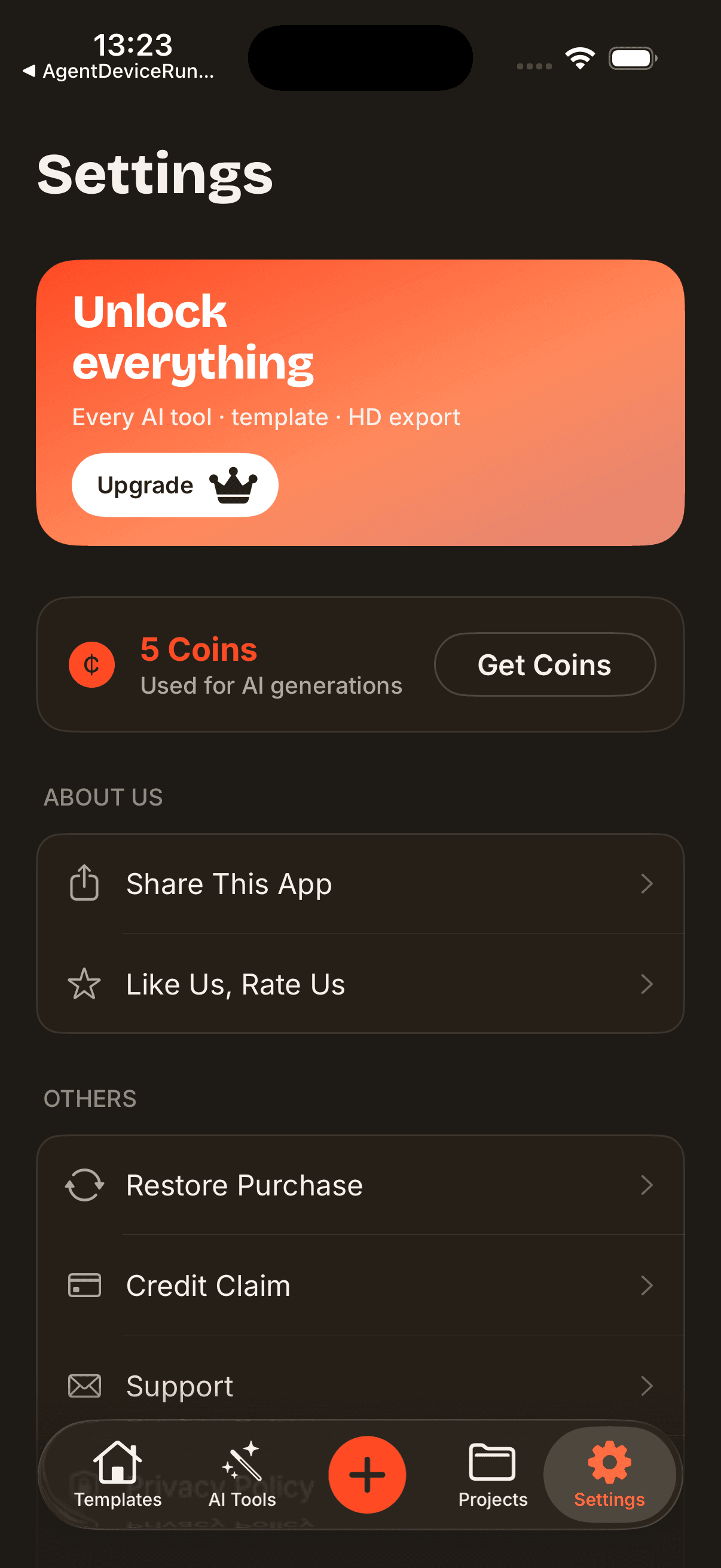
Open Settings inside Brandly and tap Restore Purchases, signed in with the same Apple ID you bought with. This fixes most missing Pro and coin balances.
Check the App Store for a pending Brandly update — fixes ship often, and the bug you hit may already be gone.
AI generation and the AI tools run on our processing providers, so they need internet. A tool that spins forever is usually a connectivity problem.
Swipe the app away and reopen it. If a screen is still stuck, a device restart clears it. Export anything you care about before deleting the app — projects live on your device.
New to Brandly? The general FAQ covers what the app does. This page is for when something needs fixing.
Trademark or content complaint? Write to legal@brandly.app.
Purchases are tied to your Apple ID. Open Settings in Brandly and tap Restore Purchases while signed in to the Apple ID you bought with. If it still doesn’t appear, email support@brandly.app with your App Store receipt and we’ll sort it out.
Subscriptions are managed by Apple rather than inside Brandly. On your device open Settings → your name → Subscriptions → Brandly → Cancel Subscription. Cancel at least 24 hours before the period ends to avoid the next charge; you keep Pro until the current period runs out.
Refunds for App Store purchases are handled by Apple under its policies. Request one at reportaproblem.apple.com. Coins you’ve already spent are non-refundable — see the Terms for the detail.
Try again with a more specific prompt — name the industry, the mood and a color or two, and say whether you want a mark, a wordmark or a full lockup. AI output varies by nature, so a couple of runs usually lands it. If a generation failed outright and coins were deducted, email us with the rough time and the prompt you used and we'll look into it.
PNG and JPG export are free on every plan. Watermark-free exports, scalable SVG, print-ready PDF and the app-icon set are part of Pro — upgrade in the app and the options unlock on your existing projects.
Yes. Logos you create are yours to use on products, packaging, sites and storefronts. That’s subject to the license of any third-party assets you drop in — certain fonts, icons or stock elements carry their own terms — and we can’t promise a given design is available to trademark in your country. The Terms spell this out.
Projects are stored on your device, not in an account, so they don't follow you automatically. Export anything you want to keep — ideally SVG or PDF on Pro — before you switch devices or delete the app, and keep your own backups of important work.
Most of what you make never leaves your device, so deleting a project in the app deletes it. For anything else — diagnostics, support correspondence, or a formal access or deletion request — email privacy@brandly.app. The Privacy Policy covers what we hold and for how long.
Include these and we can usually answer on the first reply instead of asking you for more.
Tell us what happened and we’ll take it from there — no ticket numbers, no bots.